the tech buzz

SUBSCRIBE
AIEnterpriseDealsSecurityCrypto
Newsletter

the tech buzz

Your premier source for technology news, insights, and analysis. Covering the latest in AI, startups, cybersecurity, and innovation.

FOLLOW US

THE DAILY

Get the latest technology updates delivered straight to your inbox.

Company

  • About Us
  • Editorial Team
  • Write For Usnew
  • Contact Us
  • Advertisenew

Legal

  • Privacy Policy
  • Terms of Service
  • Cookie Policy
  • Disclaimer
  • EULA
  • AI Code of Conduct

Resources

  • Newsletters
  • RSS Feeds
  • Subscribe
  • Pricing & Packages
  • Sitemap
  • Archives
  • TechBuzz Pressnew

PUBLISH WITH US

Reach 1.1M+ subscribers via TechBuzz Press.

TechBuzz Press

HAVE A TIP?

Send us a tip using our anonymous form.

Send a tip

HAVE QUESTIONS?

Reach out to us on any subject.

Ask Now

Browse by Category

AIBlockchainCloudSecurityDataDealsInvestmentsEnterpriseVenturesIoTMobileRoboticsSoftwareStartupsAppleMetaMicrosoftOpenAiGoogleTesla

© 2026 The Tech Buzz. All rights reserved.

the tech buzz

Apple's iOS 26 Stops CarPlay From Hijacking Your AirPods

ArticlesNewsletters
ArticlesNewsletters
Consumer Tech/Settings

Apple's iOS 26 Stops CarPlay From Hijacking Your AirPods

New iPhone setting keeps audio in AirPods when connecting to CarPlay systems

by The Tech Buzz

PUBLISHED: Wed, Oct 8, 2025, 5:49 PM UTC | UPDATED: Fri, Sep 4, 2026, 1:25 PM UTC

Add as a preferred source on Google
Apple's iOS 26 Stops CarPlay From Hijacking Your AirPods

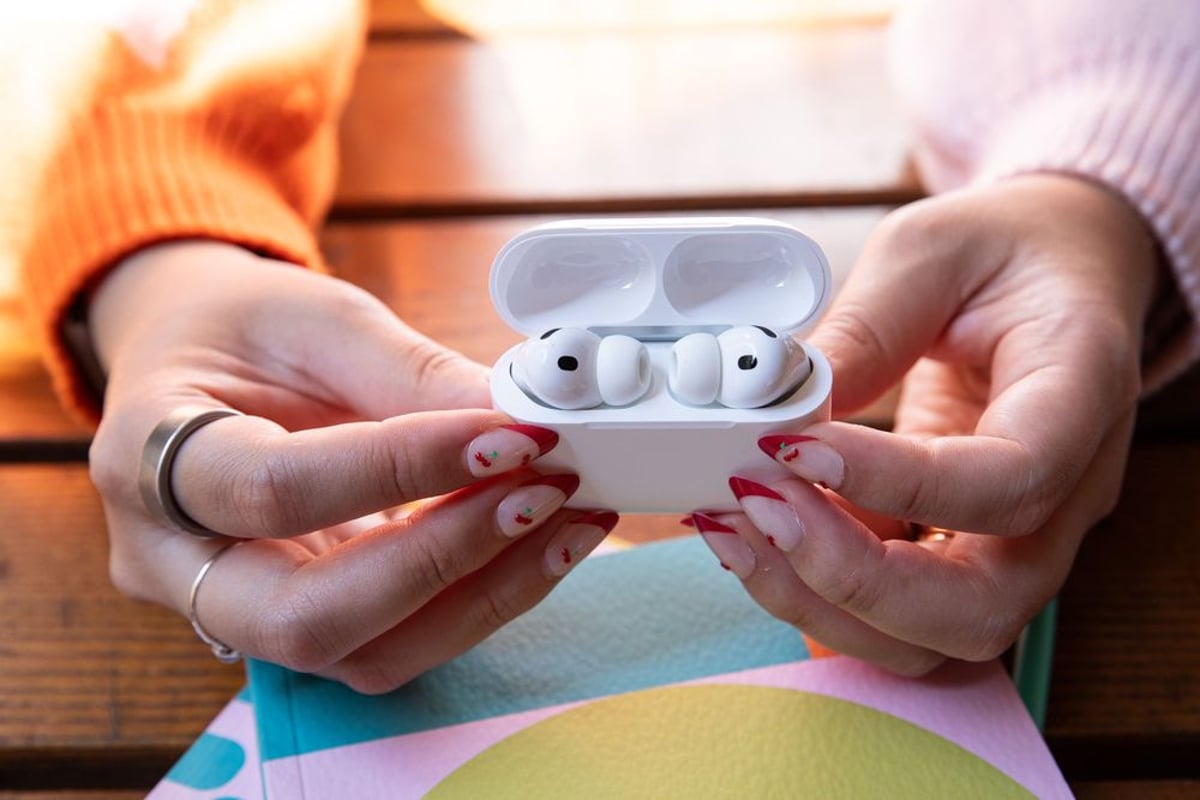
Apple just solved one of the most annoying AirPods problems. The company quietly rolled out a new iOS 26 setting called 'Keep Audio with Headphones' that prevents CarPlay from automatically stealing your music when you get in your car. It's a simple toggle buried in Settings that could save millions of embarrassing moments when your private playlists suddenly blast through car speakers.

Apple just delivered a fix for one of those everyday tech annoyances that drive people crazy. The company's new iOS 26 update includes a simple toggle that prevents CarPlay from automatically hijacking your AirPods audio when you start your car. Anyone who's had their private podcast or embarrassing guilty pleasure song suddenly boom through their vehicle's speakers knows exactly why this matters.

The feature, first discovered by MacRumors, lives in a predictably buried location: Settings > General > AirPlay & Continuity. The 'Keep Audio with Headphones' option does exactly what it says - it maintains your audio connection to wireless headphones even when your iPhone detects and connects to CarPlay-compatible systems or Bluetooth speakers.

This addresses a fundamental design quirk that's plagued iPhone users for years. CarPlay's aggressive audio takeover made sense in theory - most people getting in their car probably want to hear through the better speakers. But in practice, it created awkward situations where personal audio content would suddenly broadcast to anyone within earshot of your vehicle.

Advertisement

The solution shows Apple listening to user feedback about iOS behavior. Rather than completely changing CarPlay's connection logic, they've added granular control that lets users decide their preferred audio routing. It's the kind of thoughtful quality-of-life improvement that doesn't make headlines but genuinely improves the daily experience for millions of users.

What's particularly smart about Apple's implementation is that it doesn't break existing CarPlay functionality. Users can still access all CarPlay features - navigation, messaging, calls - while keeping their audio private. If they do want to switch to car speakers, they can manually route audio through iOS Control Center or directly within the CarPlay interface.

The feature works with any wireless headphones connected to your iPhone, not just AirPods. That means users with Sony, Bose, or other Bluetooth headphones get the same benefit. It's a rare case of Apple building a genuinely universal solution rather than favoring their own hardware ecosystem.

Timing-wise, this update comes as CarPlay adoption continues expanding across vehicle manufacturers. Apple recently announced that over 98% of new cars sold in the US support CarPlay, making these audio handoff issues increasingly common. The company's clearly recognized that seamless device integration sometimes means giving users more control, not less.

Advertisement

For privacy-conscious users, this setting essentially creates a 'do not disturb' mode for audio. Whether you're listening to sensitive work calls, personal therapy podcasts, or just music you'd rather keep private, the toggle ensures your audio choices stay between you and your headphones until you explicitly decide otherwise.

The feature rollout appears to be part of iOS 26's broader focus on user control and customization. Apple's been gradually adding more granular settings options, moving away from the 'we know what's best' philosophy that sometimes frustrated users in earlier iOS versions.

This iOS 26 update proves that sometimes the best tech improvements are the ones that simply get out of your way. Apple's 'Keep Audio with Headphones' toggle solves a real problem that affected millions of users daily, without breaking existing functionality or forcing anyone to change their habits. It's exactly the kind of thoughtful user control that makes technology feel more personal and less intrusive - and probably prevents a few awkward conversations when your true crime podcast doesn't suddenly announce itself to your carpool.
More Topics:
Settings

Advertisement

Advertisement

Trending Now

1

GoPro CEO Vows Cameras Stay Core After Starman Deal

2

Judge Splits Ruling in X vs. Twitter Rival Fight

3

Tim Cook Steps Down, Ternus Takes Apple's Helm

4

Google's Lyria 3.5 Brings AI Music to Gemini

5

Google Translate Gets Listening Mode, Live Background Mode

People Also Ask

The 'Keep Audio with Headphones' feature in iOS 26 is a toggle that prevents CarPlay from automatically hijacking audio from AirPods or other wireless headphones when you start your car. It maintains your private audio connection to headphones even when CarPlay connects.

The 'Keep Audio with Headphones' setting is located in Settings > General > AirPlay & Continuity on iOS 26. This toggle prevents CarPlay from automatically switching your audio from wireless headphones to car speakers when you connect to your vehicle.

Yes, the 'Keep Audio with Headphones' feature works with any wireless headphones connected to your iPhone, not just AirPods. This includes Sony, Bose, and other Bluetooth headphones, making it a universal solution for all wireless audio devices.

With 'Keep Audio with Headphones' enabled, you can still manually switch to car speakers through iOS Control Center or directly within the CarPlay interface. The feature doesn't break existing CarPlay functionality, just prevents automatic audio switching.

Apple added this feature to solve the embarrassing problem of private audio content suddenly playing through car speakers when CarPlay connects. It prevents awkward situations where personal podcasts, calls, or music broadcasts to anyone near your vehicle.

According to Apple, over 98% of new cars sold in the US now support CarPlay. This widespread adoption made audio handoff issues increasingly common, prompting Apple to create the 'Keep Audio with Headphones' solution in iOS 26.

More in Consumer Tech

Judge Splits Ruling in X vs. Twitter Rival Fight

Judge Splits Ruling in X vs. Twitter Rival Fight

Tim Cook Steps Down, Ternus Takes Apple's Helm

Tim Cook Steps Down, Ternus Takes Apple's Helm

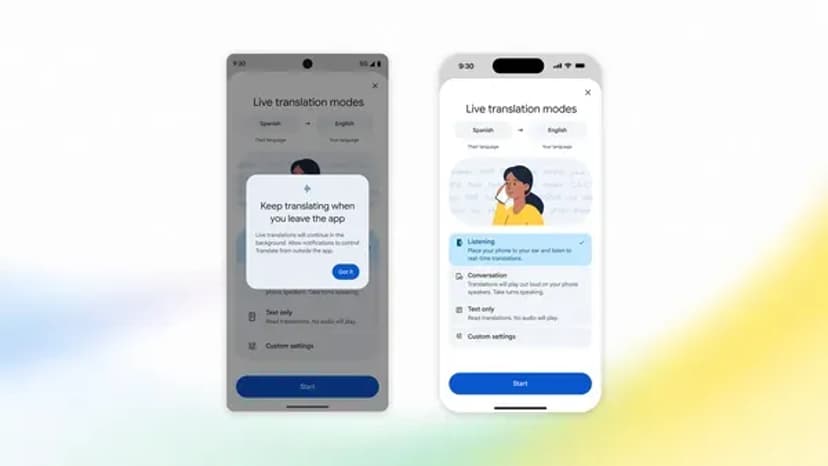
Google Translate Gets Listening Mode, Live Background Mode

Google Translate Gets Listening Mode, Live Background Mode

Samsung Sweeps IFA 2026 Innovation Awards

Samsung Sweeps IFA 2026 Innovation Awards

Feds Probe Tesla Cybercab Hours After Austin Launch

Feds Probe Tesla Cybercab Hours After Austin Launch

Instagram's AI Labels Are Misfiring Badly

Instagram's AI Labels Are Misfiring Badly

More Articles

Ugreen Bets Its NAS Roots on Smart Home AI

Ugreen Bets Its NAS Roots on Smart Home AI

Sep 4

Tesla's Cybercab Launch Was Oddly Quiet

Tesla's Cybercab Launch Was Oddly Quiet

Sep 4

Microsoft Caps Xbox Cloud Gaming Hours in November

Microsoft Caps Xbox Cloud Gaming Hours in November

Sep 3

Qualcomm Bets $70M on Ultrahuman's Smart Ring Leap

Qualcomm Bets $70M on Ultrahuman's Smart Ring Leap

Sep 3

Sonos CEO Reveals AI Overhaul With Sonos 27

Sonos CEO Reveals AI Overhaul With Sonos 27

Sep 3

Nvidia's RTX Spark Chip Brings AI PCs to Life

Nvidia's RTX Spark Chip Brings AI PCs to Life

Sep 3