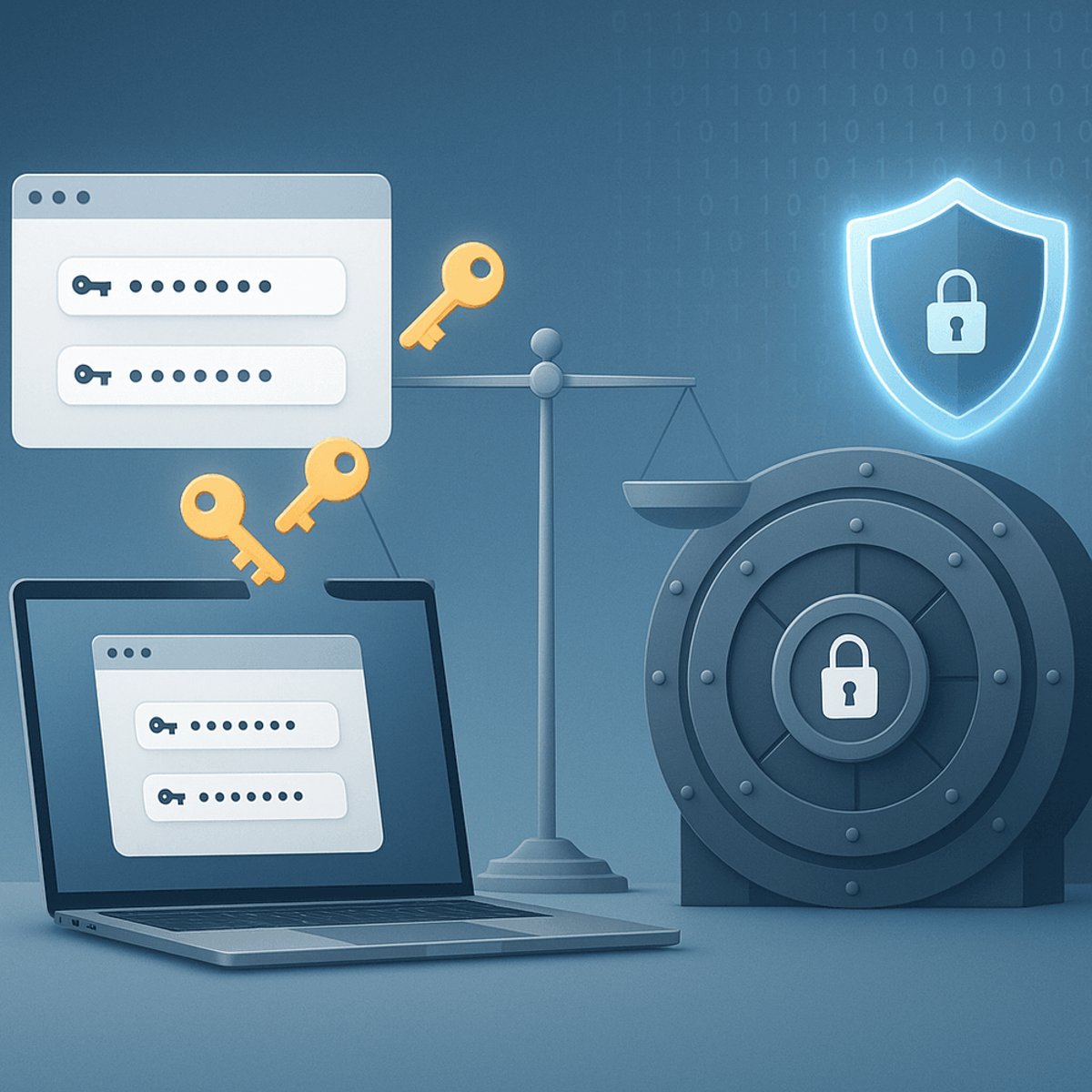
Browser password managers have dramatically improved their security game, but they still can't match dedicated third-party solutions. While Google Chrome and Apple Safari now offer robust encryption and authentication, the fundamental problem remains: you're putting all your digital eggs in one very attractive basket for hackers.
The password manager wars just got more interesting. Google and Apple have quietly transformed their browser-based password tools from security afterthoughts into legitimate contenders, but security experts still recommend keeping your digital keys elsewhere.
The transformation has been dramatic. Just a few years ago, extracting passwords from Chrome required little more than a Python script and knowing where the files lived on your machine. Today, Google's app-bound encryption has made that approach obsolete, while integration with Windows Hello adds biometric protection that rivals dedicated password managers.
"Your browser's password manager is very secure, and using it is far superior to jotting down passwords in your notes app," writes Jacob Roach in Wired's comprehensive analysis. The encryption standards have caught up - both Chrome and Safari now use AES encryption, the same gold standard employed by commercial password managers.
But here's where things get complicated. Google has added zero-knowledge-style on-device encryption as an option, letting you manage your own keys rather than trusting the company with them. The catch? Most users never turn on these advanced security features because they create what Google calls "friction" - the company mentioned reducing friction seven times in a recent blog post while never mentioning encryption.
The real vulnerability isn't technical - it's operational. Browser password managers are designed for convenience first, security second. Without biometric authentication enabled (which is off by default), anyone with access to your logged-in computer can simply navigate to browser settings and export your entire password vault in plaintext.
More concerning is the target painted on major tech accounts. Google recently urged 2.5 billion users to update their passwords following a Gmail data breach. While no sensitive information was stolen, the incident highlights a fundamental problem: your Google account isn't just email anymore. It's your photo backup, your document storage, your browser sync, and potentially your password vault all rolled into one high-value target.
"Account takeovers happen, largely due to phishing," according to Google's own security research. From an operational security perspective, storing all your passwords behind a single account that's constantly under attack creates unnecessary risk concentration.
Third-party password managers take a different approach. Proton Pass offers email aliases to limit breach exposure. 1Password includes Travel Mode to clean sensitive data when crossing borders. Bitwarden lets privacy-conscious users self-host their entire vault offline. These aren't just feature additions - they're different security philosophies.
The sharing capabilities alone justify the switch for many users. While you can share passwords within Google's or Apple's ecosystems, third-party managers work across platforms. Need to share your Wi-Fi password with someone using a different operating system? Good luck with iCloud Keychain.
Firefox and other browsers lag even further behind. Mozilla explicitly warns that "someone with access to your computer user profile can still see or use" saved passwords, despite encryption. Even Brave - beloved by privacy advocates - uses similar vulnerable storage methods.
The security improvements in browser password managers do matter. For users currently reusing the same password with slight variations across sites, switching to any password manager - even a browser-based one - represents a massive security upgrade. The question isn't whether browser password managers are secure enough for basic use (they are), but whether they're the best choice for users who care about comprehensive security.
Industry experts consistently recommend the separation principle: don't store all your authentication methods in the same system you use for everything else. It's the same reason you wouldn't keep your house key, car key, and safe combination all in the same wallet.
The convenience factor can't be ignored. Browser password managers require zero setup, sync automatically, and integrate seamlessly with autofill. Third-party managers require downloads, account creation, and ongoing management. For many users, browser managers represent the difference between using any password management versus none at all.
But for users willing to accept minimal friction for better security, the choice remains clear. Dedicated password managers offer superior operational security, advanced features, and protection against the single-point-of-failure problem that browser-based solutions can't solve by design.
The password manager landscape has evolved dramatically, with browser-based options now offering legitimate security for casual users. But the fundamental trade-off remains: convenience versus comprehensive protection. While Chrome and Safari have closed the technical security gap, they can't solve the operational risk of concentrating all your digital keys behind your most targeted online account. For users serious about security, third-party password managers still offer the better path forward.