Adobe just rolled out a direct pipeline from mobile video editing to YouTube Shorts, launching an exclusive content creation hub inside Premiere for iOS that lets creators instantly publish to their channels. The partnership marks YouTube's latest move to keep creators on platform instead of jumping to rivals like Meta's Edits or ByteDance's CapCut.
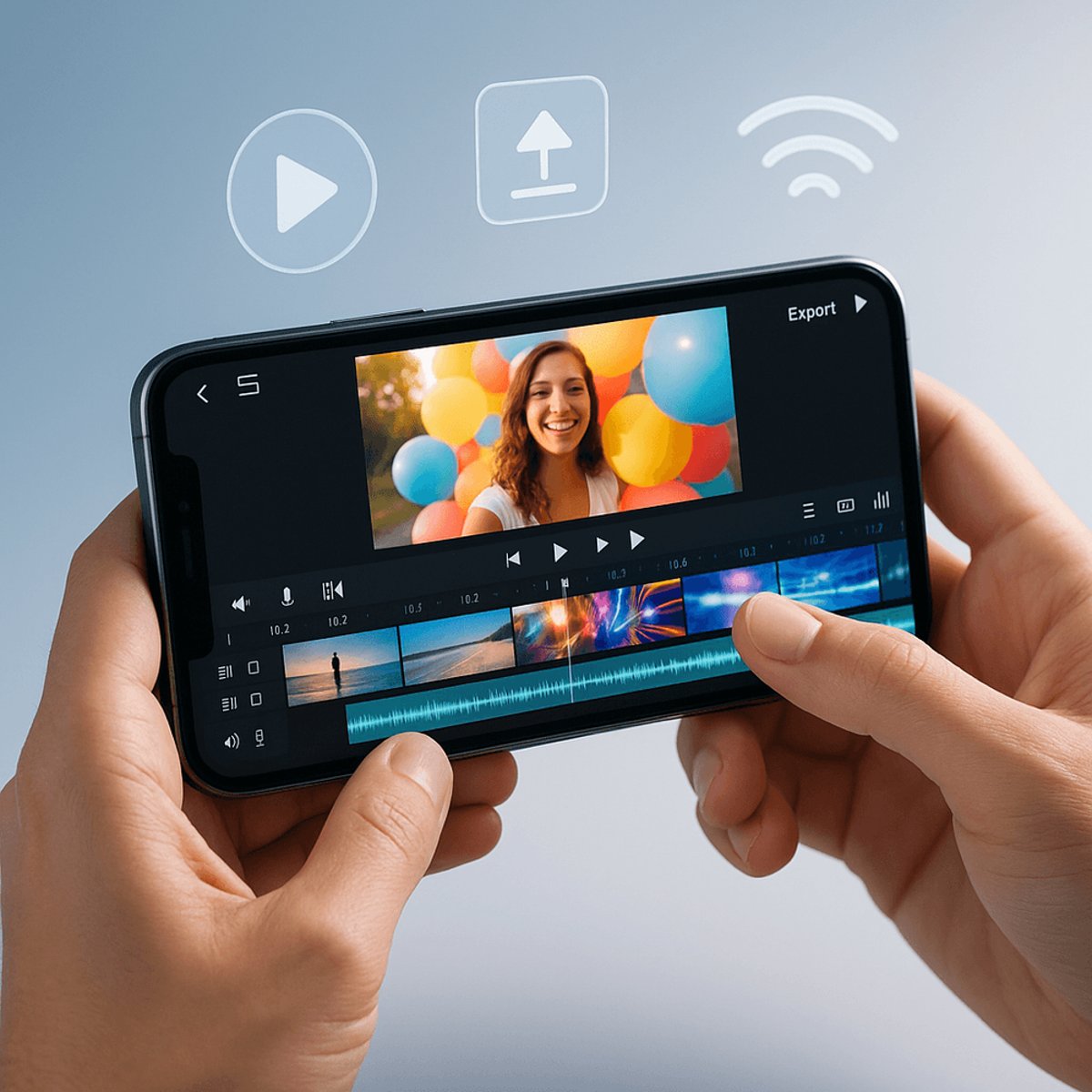
Adobe is making a bold play for the mobile creator economy. The company just unveiled a dedicated YouTube Shorts creation hub inside Premiere for iOS, giving content creators everything they need to produce, edit, and publish viral videos without ever leaving their phones. The partnership, announced Monday, represents YouTube's latest strategic move to keep creators loyal to its ecosystem instead of migrating to competing platforms. By offering exclusive templates, transitions, and effects specifically designed for Shorts, Adobe and YouTube are essentially building a walled garden for mobile video creation. The timing isn't coincidental - it's a direct response to Meta's aggressive push with Edits and ByteDance's dominance with CapCut. "What's unique about this partnership is that creators getting inspiration from their YouTube Shorts feed, can launch a template that caught their eye, directly into Premiere mobile and start customizing it for their own channel," Meagan Keane, Director of Product Marketing for Digital Video and Audio at Adobe, told TechCrunch. The feature creates a seamless workflow that competitors can't match - creators spot trending templates in their Shorts feed, tap to open them directly in Premiere mobile, customize with their own footage, and publish back to YouTube without switching apps. It's the kind of integrated experience that could make or break creator loyalty in the increasingly crowded short-form video space. The Create for YouTube Shorts hub comes packed with professionally designed templates from top creators, complete with built-in text overlays, effects, and transition presets. Creators can upload clips from their iPhone camera roll, cloud storage, or Adobe Creative Cloud, then layer in multiple video and audio tracks while adjusting color, brightness, and captions. But here's where it gets interesting for the broader creator economy - Adobe isn't just providing tools, it's positioning itself as the infrastructure layer for mobile content creation. The company's integration of Firefly AI content generation, precision multi-track editing, and studio-quality audio processing brings desktop-level capabilities to phones. "It brings creators polished video editing with studio-quality audio, AI sound effects, precision multi-track editing, Firefly AI content generation, and more to make producing and sharing their content easier and faster," Keane explained. This isn't just about convenience - it's about control. YouTube wants creators editing on Adobe's tools because those videos get published directly to YouTube, not shared across multiple platforms. While content can technically be exported to other social networks, the seamless YouTube integration creates a natural bias toward the Google-owned platform. The competitive implications are significant. Meta launched Edits specifically to compete with CapCut and capture creators fleeing TikTok's ecosystem. Now Adobe and YouTube are offering a premium alternative that combines professional editing capabilities with the world's largest video platform. For creators, this represents a fundamental shift in how mobile video production works. Instead of creating content in one app and manually uploading to various platforms, they now have a direct creative pipeline optimized for YouTube's algorithm and audience preferences. The partnership also signals Adobe's broader strategy of embedding its creative tools directly into social platforms rather than competing as standalone apps. Getting started requires just a free Premiere mobile login and a YouTube profile. Creators download the app from the App Store, tap "Create for YouTube," and immediately access the exclusive template library. The workflow is intentionally frictionless - upload clips, customize templates, edit with professional tools, and publish directly to Shorts with a few taps.
This partnership represents more than just a new feature - it's YouTube and Adobe's answer to the fragmented creator economy. By building an exclusive, integrated creation pipeline, they're betting that convenience and quality will trump platform neutrality. For creators, it means professional-grade mobile editing is finally catching up to desktop capabilities, but it also means choosing sides in an increasingly competitive landscape where platforms want to own the entire content creation process.