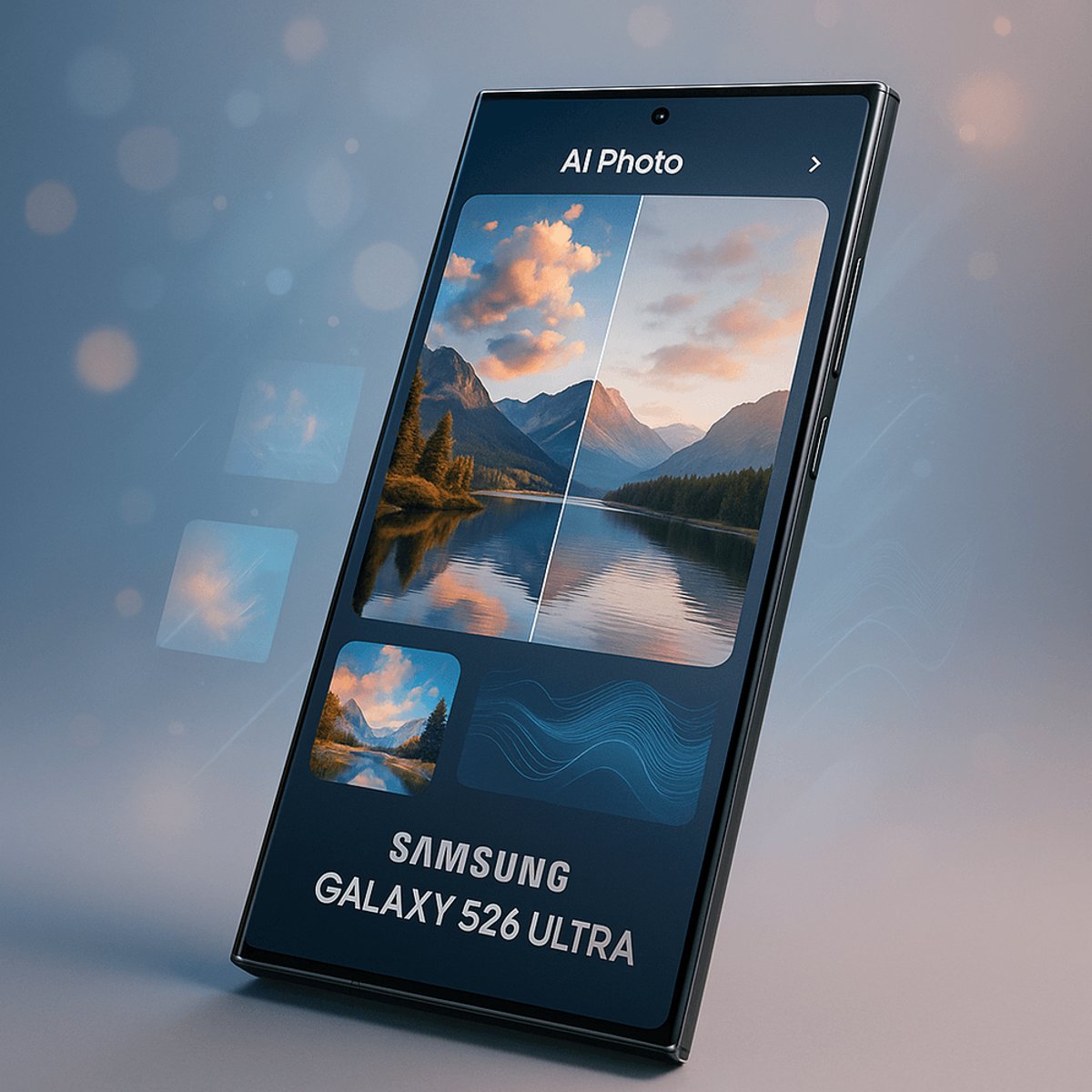
Samsung is showcasing the AI-powered photo editing capabilities built into its Galaxy S26 Ultra flagship, demonstrating features that let users manipulate images with natural language prompts. The company's second installment in its San Francisco travel series highlights Photo Assist and Creative Studio tools that can restore partially eaten food, merge multiple scenes, change time of day in photos, and generate custom stickers - all through on-device processing.
Samsung is doubling down on AI-powered photo editing with its Galaxy S26 Ultra, showcasing features that blur the line between computational photography and generative AI manipulation. The company's latest demonstration reveals how far smartphone photo editing has come - and raises familiar questions about authenticity.
The flagship feature, Photo Assist, lets users edit images through conversational prompts. In Samsung's San Francisco demo, typing "Make it look uneaten" restored a partially eaten cake to its original form. Another prompt combined a street scene with a passing tram, creating what Samsung calls "a seamless result - as if taken in a single moment." Users can also transform daytime harbor shots into sunset or nighttime scenes by simply asking the AI to adjust lighting and sky conditions.
This isn't Samsung's first rodeo with AI photo editing. The company has been steadily building these capabilities across its Galaxy lineup, but the S26 Ultra represents a significant leap in processing power and feature sophistication. What's notable here is the natural language interface - you don't need to understand layers, masks, or selection tools. You just ask.
The Creative Studio feature takes things further into artistic territory. It can analyze a photo's texture and colors to render it in different artistic styles, including oil painting effects. Samsung demonstrated this by transforming sea lion photos from Pier 39 into painterly compositions. The tool also generates custom character stickers from photos, offering seven themed sets like "A slice of Life" and "Today's vibe" that work across messaging apps and notes.
This puts Samsung squarely in competition with Google's Magic Editor and Pixel Studio tools, as well as Apple's Clean Up feature. The difference? Samsung is betting that users want more creative freedom rather than just object removal. While Google focuses on refining what's already in the frame and Apple emphasizes simplicity, Samsung is giving users tools to fundamentally reimagine their photos.
The on-device processing is key here. Unlike cloud-based AI editing tools that require uploading images to servers, the Galaxy S26 Ultra handles everything locally. That means faster processing, better privacy, and the ability to edit photos without a data connection. It's powered by what Samsung calls Galaxy AI, running on the Snapdragon 8 Elite chipset in most markets.
But there's a catch that Samsung doesn't address in its promotional material - the authenticity question. When you can change the time of day, restore eaten food, or add elements that weren't there, what counts as a photograph versus a digital creation? Other smartphone makers are grappling with this too. Google adds metadata to AI-edited photos, and there's growing industry discussion about watermarking or otherwise flagging manipulated images.
The timing is interesting. This demonstration comes as generative AI photo editing becomes table stakes for flagship smartphones. What was cutting-edge AI magic two years ago is now expected in any phone over $800. The competition has shifted from whether phones can do AI editing to how well they do it and how naturally users can interact with the tools.
For Samsung, these features are part of a broader Galaxy AI strategy that spans text generation, live translation, and productivity tools. The company has been clear that AI is a core differentiator as smartphone hardware improvements plateau. When you can't dramatically improve camera sensors or battery life year over year, software intelligence becomes the battleground.
The Photo Assist and Creative Studio features ship as part of the standard Galaxy S26 Ultra package, available to all users without subscription fees - a not-so-subtle dig at competitors who might gate advanced AI features behind premium tiers. Samsung is betting that democratizing these tools will drive adoption and ecosystem loyalty.
What remains to be seen is whether consumers actually want this level of photo manipulation. Early adopters and social media creators will likely embrace the creative possibilities, but mainstream users might find it overwhelming or unnecessary. There's also the question of whether making photo editing this easy will flood social feeds with over-processed images that all look eerily similar.
Samsung's Galaxy S26 Ultra AI editing features represent the current state of smartphone computational photography - powerful, accessible, and increasingly blurring the line between capture and creation. While the technology is impressive and the natural language interface makes complex edits simple, it also raises ongoing questions about photo authenticity that the industry hasn't fully resolved. As AI editing becomes standard across flagship devices, the real competition will be in user experience and how well these tools integrate into people's actual photo workflows rather than just demo reels. For now, Samsung is making a clear statement that it sees creative manipulation, not just enhancement, as the future of smartphone photography.