Google is rolling out desktop mode to its Pixel ecosystem, marking another step in the company's long-running effort to blur the lines between mobile and traditional computing. The feature, arriving via Google's March Pixel drop, lets users with a Pixel 8 or newer connect to external monitors via USB-C for what the company calls a "desktop-like multi-window experience." It's a move that puts Android in more direct competition with Samsung's DeX and signals Google's renewed interest in productivity-focused mobile computing.
Google just made its Pixel phones a lot more interesting for anyone who's ever wished their smartphone could double as a work computer. The company's March feature drop brings full desktop mode to Pixel devices, letting users plug their phone into an external display and work with multiple windows, a mouse, and a keyboard - just like a traditional PC.
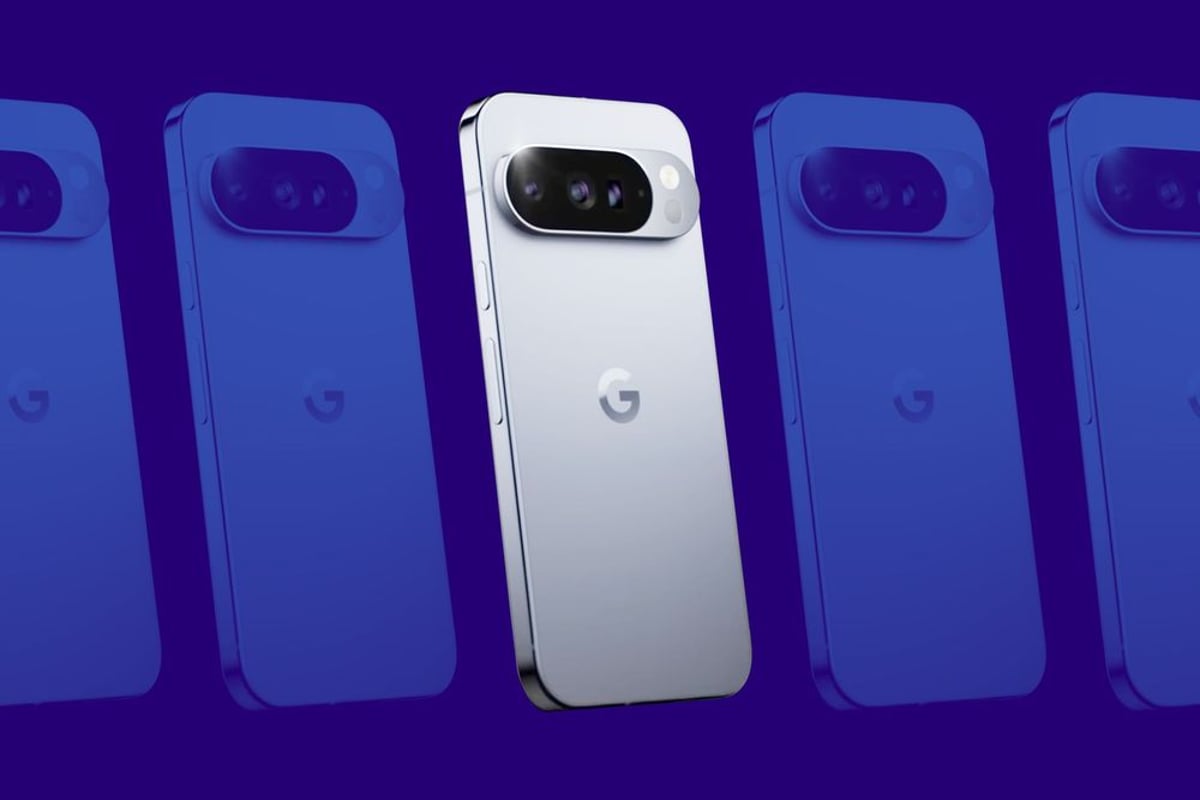
The feature works on Pixel 8 and newer phones, plus both foldable models (the Pixel 9 Pro Fold and Pixel 10 Pro Fold). The Pixel Tablet is also getting desktop windowing capabilities, which Google says will provide "a familiar interface to arrange and resize overlapping windows," according to The Verge's coverage.
This isn't Google's first rodeo with desktop-style Android interfaces. The company has been quietly developing this functionality for years, showing off early concepts and prototypes. But this marks the first time Google is bringing a fully-realized desktop mode to its own hardware at scale. It's a significant shift from the experimental approach the company took with previous attempts.
The timing is interesting. Samsung has been refining its DeX platform for years, building a loyal following among users who want one device for everything. Google's entry into this space suggests the company sees real demand for mobile-desktop convergence, especially as remote work has made people rethink what a "work computer" needs to be.
The technical implementation relies on USB-C connectivity, which has become the universal standard for both charging and data transfer. Users can connect their Pixel to any compatible monitor, attach a Bluetooth or USB keyboard and mouse, and essentially transform their phone into a desktop workstation. The interface adapts to show a taskbar, multiple app windows, and traditional desktop UI elements.
For enterprise users, this could be a game-changer. Instead of managing separate phones and laptops, IT departments could potentially standardize on high-end Pixel devices that serve both roles. The cost savings alone would be substantial, though security and management challenges remain. Google hasn't yet detailed how desktop mode integrates with Android Enterprise management tools or whether it supports the kind of security policies corporate IT departments require.
The Pixel Tablet angle is equally intriguing. Tablets have long struggled to find their identity - too big to be phones, not quite productive enough to replace laptops. A proper desktop windowing system could finally give Android tablets the productivity credibility they've lacked. Apple has been slowly adding desktop-class features to iPadOS, but has resisted true multi-window freedom. Google might be betting that power users will appreciate the flexibility.
What Google hasn't shown yet are actual screenshots or detailed demos of the new interface in action. The company included a GIF from last year's developer conference showing a concept design, but the final implementation could look quite different. That lack of visual detail in the announcement is notable - it suggests Google might still be refining the experience or wants to manage expectations.
The broader context here is Google's ongoing effort to make Android more versatile across form factors. With Microsoft pushing Windows on ARM and Apple tightening the integration between iOS and macOS, Google needs Android to be more than just a phone OS. Desktop mode is part of that evolution, along with better tablet support, foldable optimizations, and improved cross-device continuity.
Competitors are watching closely. Meta has experimented with using Quest headsets as virtual monitors for work. Samsung continues refining DeX. Even Huawei has its own desktop mode in international markets. The space is getting crowded, and execution will matter more than the feature existing at all.
For developers, desktop mode creates new opportunities and challenges. Apps will need to handle resizing gracefully, support keyboard shortcuts, and work well with mice instead of touchscreens. Google will need to provide clear guidance and tools to help developers optimize for this new context, or risk ending up with a desktop mode full of apps that feel awkward and out of place.
Google's desktop mode launch represents a meaningful step toward device convergence, but questions remain about execution and adoption. The feature's success will depend on how well apps adapt, whether enterprise customers embrace single-device strategies, and if Google can differentiate from Samsung's established DeX platform. For now, it's a promising addition that gives Pixel users more flexibility - and signals that Google sees the future of computing as increasingly form-factor agnostic. Watch for developer guidance at Google I/O and potential enterprise management feature announcements in coming months.