Google just started testing a Call Reason feature that could change how we handle phone calls on Android. The new beta lets users tag calls as 'urgent' before dialing, showing recipients exactly why you're calling before they even pick up. It's rolling out now through Google's Phone app and only works between contacts using the same calling platform.
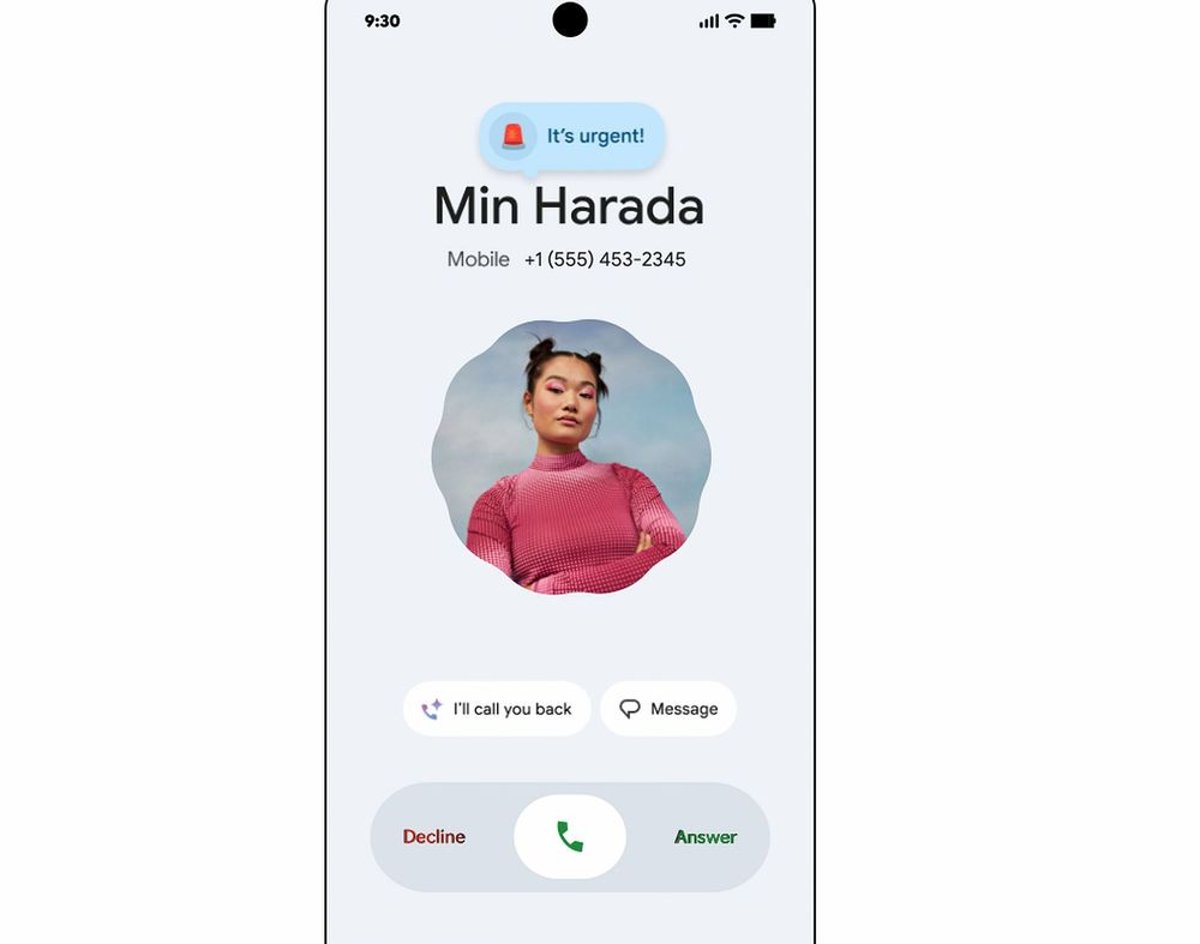
Google is quietly testing a feature that could solve one of mobile communication's biggest frustrations - not knowing if that incoming call is actually important. The company's new Call Reason feature, currently in beta within the Phone by Google app, lets users flag calls as 'urgent' before placing them, giving recipients immediate context about why someone's calling.
The feature works exactly as you'd expect - when placing a call, users can select an 'urgent' tag that appears both on the recipient's incoming call screen and in their call history if they miss it. But there's a catch: it only works between people saved in each other's contacts who both use Google's default Phone app on Android devices.
This limitation might seem restrictive, but it actually makes sense from a spam prevention standpoint. By requiring mutual contact status and the same app ecosystem, Google is creating a trusted network that could prevent abuse of urgent call flags by telemarketers or unknown callers.
The timing feels particularly relevant as voice calls continue to decline among younger users who prefer text-based communication. According to recent surveys, many people screen calls specifically because they can't determine urgency. Call Reason could bridge that gap, giving voice communication some of the context that makes texting more appealing.
Right now, the feature is limited to a simple 'urgent' flag, but the infrastructure suggests bigger possibilities ahead. The system could easily expand to include custom messages, emoji reactions, or predefined categories like 'work emergency' or 'family matter.' Since the reason also persists in call history, it creates a natural reminder system for callbacks.
The rollout is happening gradually across Android manufacturers, which means availability varies significantly. Some users might see the update immediately while others wait weeks or months depending on their device maker's update schedule. This fragmented deployment is typical for Google's Android features, reflecting the platform's open-source nature.
For users wanting to check availability, the process involves opening the Google Play Store, tapping the profile icon, selecting 'Manage apps & devices,' and checking for updates. It's also worth verifying that Google's Phone app is set as the default calling application in device settings.
The feature represents Google's broader push to make Android's communication tools more intelligent and context-aware. Recent updates to the Phone app have included enhanced spam detection, call screening, and automated transcription - all pointing toward a more informed calling experience.
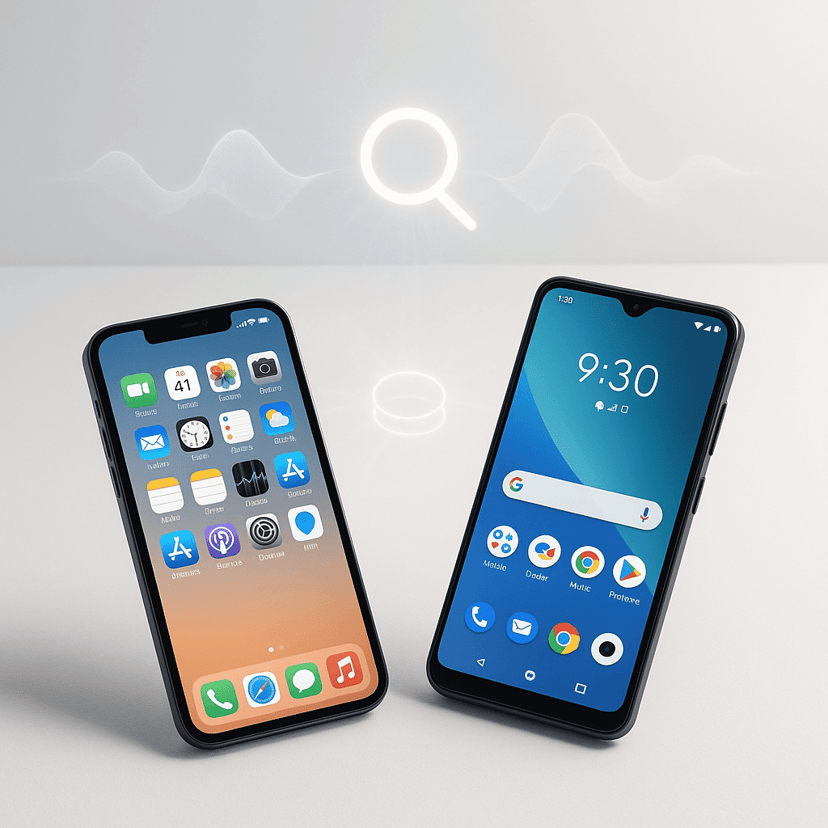
Competitively, this puts pressure on Apple's iPhone, which lacks similar contextual calling features despite having a more controlled ecosystem that could theoretically support them. The move also positions Google against third-party calling apps that have experimented with similar functionality but lacked the platform integration to make it seamless.
Industry watchers see this as part of Google's attempt to revitalize voice calling at a time when many predicted it would become obsolete. By adding the context and immediacy that modern users expect, features like Call Reason could make phone calls relevant again, especially for urgent communication that doesn't work well over text.
Call Reason represents more than just a new calling feature - it's Google's bet that voice communication can stay relevant in an increasingly text-dominated world. By solving the context problem that drives many people to ignore calls, this beta feature could genuinely change how Android users think about phone calls. The real test will be whether the limited rollout generates enough adoption to justify expanding the feature set and pushing it to wider availability.