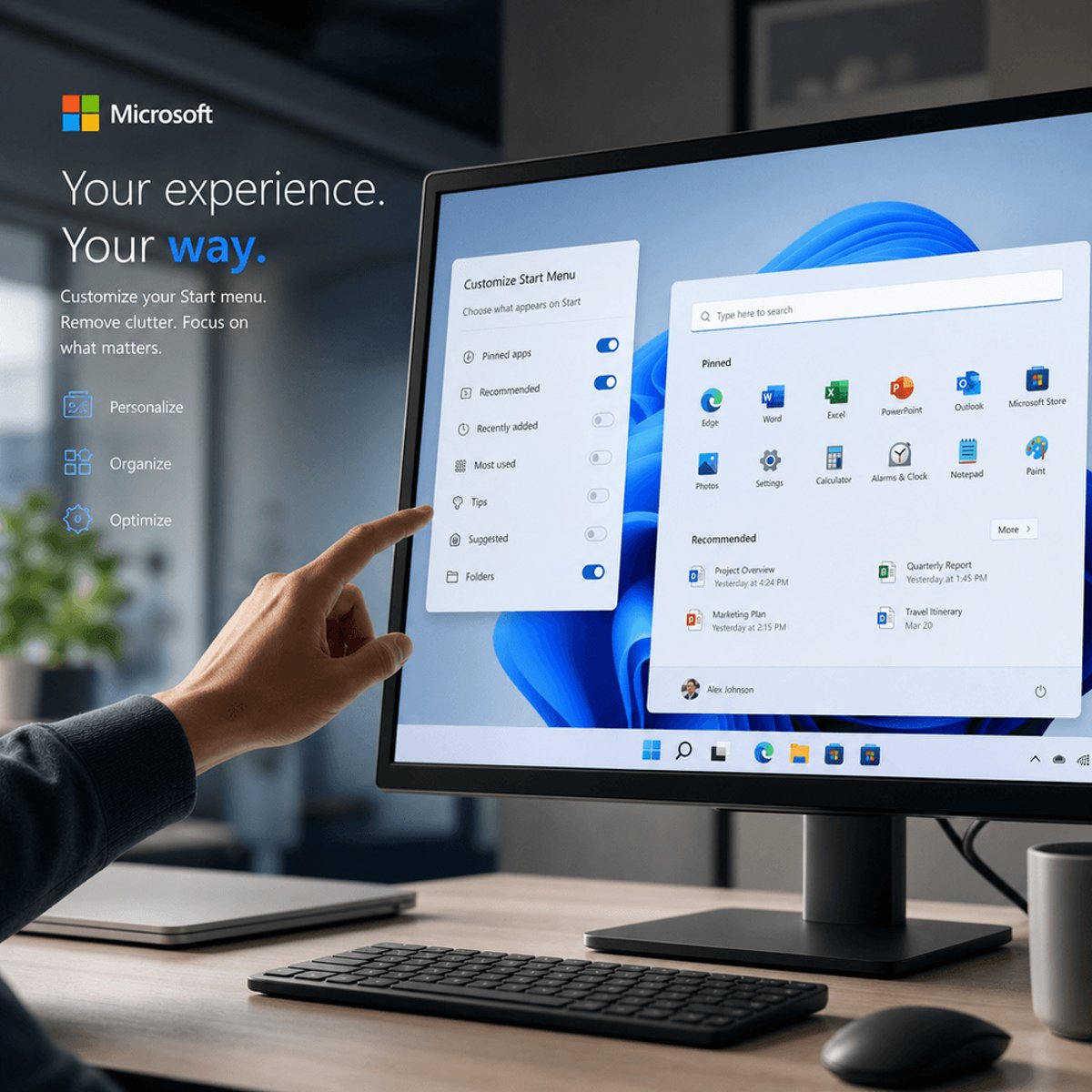
Microsoft is finally giving Windows users what they've been asking for - control over the cluttered right-click context menu. A senior Microsoft VP confirmed the company's working on a faster, simpler, and customizable context menu experience for File Explorer and Desktop interactions, addressing years of user complaints about bloated menus slowing down productivity. The announcement signals Microsoft's renewed focus on core Windows usability as competition from alternative operating systems intensifies.
Microsoft is taking aim at one of Windows' most persistent user experience pain points. A top company VP has committed to delivering a faster, simpler, and most importantly, customizable context menu system for the right-click function that millions rely on daily in File Explorer and on the Desktop, according to ZDNet.
The announcement comes after years of mounting frustration from power users and IT administrators who've watched the once-streamlined right-click menu balloon into an unwieldy list of options. Every installed application from Adobe Creative Suite to compression utilities has historically claimed prime real estate in that context menu, turning what should be a quick action into a scrolling exercise.
What makes this development particularly significant isn't just the promise of speed improvements. Microsoft's committing to user customization, a departure from the company's traditional approach of tightly controlling Windows interface elements. This suggests the company's learning from competitor approaches - macOS has long offered cleaner, more controlled context menus, while Linux distributions have given users granular control over desktop environments for decades.
The technical implications matter for developers too. Third-party applications that integrate with Windows will likely need to adapt to new APIs and guidelines for context menu interactions. Microsoft hasn't detailed the exact implementation, but the emphasis on simplification suggests the company may introduce restrictions on how many items apps can add or require user approval for menu modifications.
Timing reveals strategic intent. Microsoft's been under pressure to modernize Windows core experiences as the operating system faces challenges on multiple fronts. Enterprise customers have grown increasingly vocal about productivity friction points, while consumer users migrate toward platforms offering cleaner interfaces. The context menu overhaul fits into Microsoft's broader Windows 11 refinement strategy, which has included redesigned File Explorer tabs and updated system settings.
The performance angle deserves attention. Slow-loading context menus have plagued Windows for years, particularly on systems with numerous installed applications. Each right-click can trigger dozens of registry checks and file system queries as Windows polls every registered context menu handler. By promising speed improvements alongside customization, Microsoft's signaling potential architectural changes to how Windows handles these menu extensions.
What remains unclear is the implementation timeline. Microsoft executives often preview features months or even years before delivery, particularly for fundamental Windows components that require extensive testing and backward compatibility work. The company's recent history with Windows updates suggests this could arrive through Windows Insider testing channels before reaching general availability.
The broader context matters for understanding Microsoft's priorities. While the company's poured resources into AI integration with Windows Copilot and cloud services, user feedback has consistently highlighted basics like file management and interface responsiveness as areas needing attention. This context menu commitment suggests Microsoft's balancing flashy new features with fundamental usability improvements.
Developers watching Microsoft's platform evolution should note the pattern. The company's increasingly willing to break with legacy approaches when user experience demands it, even for features as deeply embedded as context menus. This mirrors changes Microsoft's made to Start menu behavior, taskbar functionality, and system settings organization in recent Windows versions.
For enterprise IT departments, customizable context menus could offer new management opportunities. Imagine Group Policy controls that let administrators standardize which options appear for different user groups, or the ability to remove confusing options that generate help desk tickets. Microsoft hasn't confirmed these capabilities, but they align logically with the customization promise.
The announcement also hints at Microsoft's competitive awareness. Chrome OS and web-based work environments have grown precisely because they avoid the accumulated cruft that Windows carries from decades of third-party integrations. By addressing context menu bloat, Microsoft's tackling a visible symbol of that legacy burden.
Microsoft's commitment to customizable context menus represents more than a minor UI tweak - it's a signal that the company's listening to fundamental user experience complaints after years of adding features without addressing core friction points. Whether this translates to meaningful productivity gains depends entirely on implementation details Microsoft hasn't yet shared. But the mere acknowledgment that Windows' right-click experience needs work marks a shift toward prioritizing daily usability alongside headline-grabbing AI features. Windows users and developers alike should watch how Microsoft balances customization freedom with the platform stability that enterprise customers demand.